


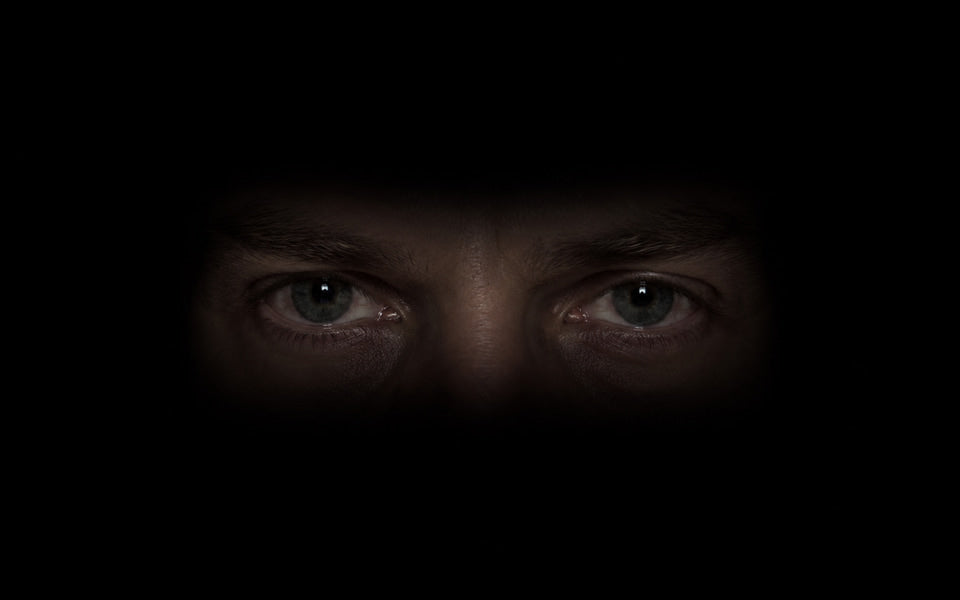
01 / Included now
The Watcher
Eyes in the darkness follow your guests.
The controller / Digital Experiences
Place the camera-free controller below your TV. It senses where guests move, while the Follow Me Fright app turns that movement into a reaction on screen. Start with three interactive experiences built into the desktop app.
Eyes in the darkness follow your guests.
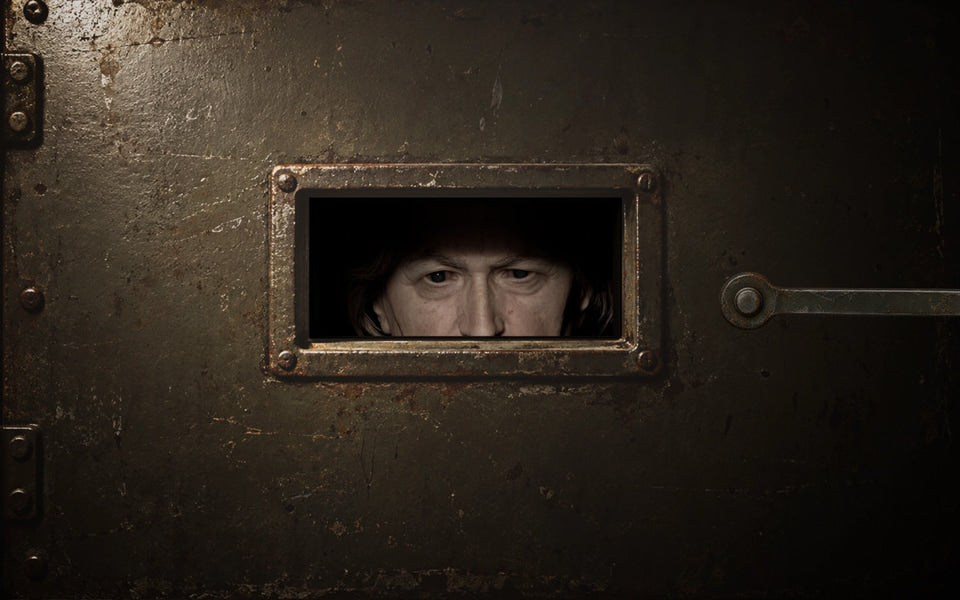
Something watches from behind the hatch.
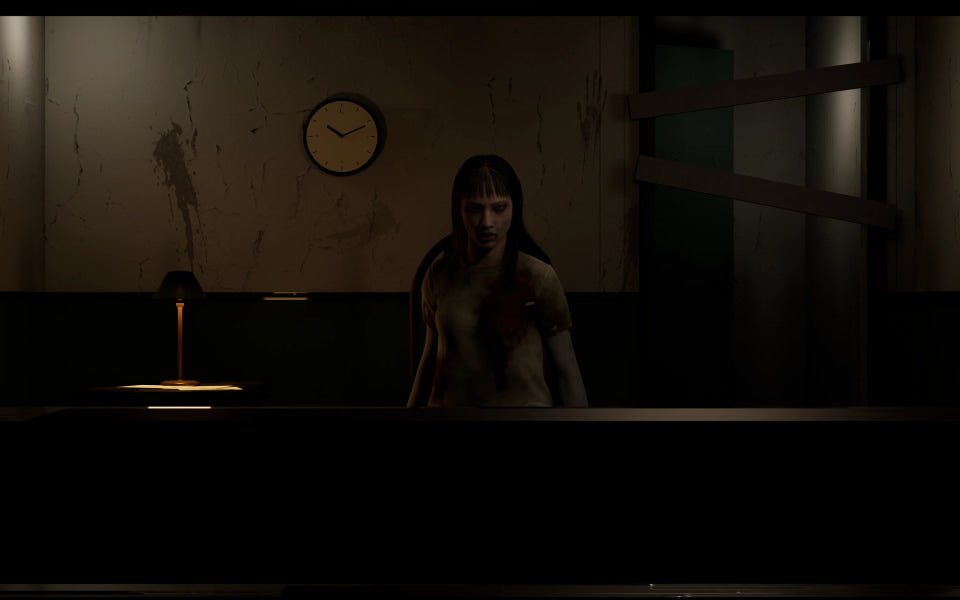
An uneasy waiting room with a jump scare.
Still images from the three interactive experiences included in the desktop app.
Room to grow
Future standard Digital Experiences scenes are included at no additional charge as they release. Current scenes run on Windows and Apple silicon Macs; future scenes may have different computer requirements.
Everything you need to start
A Windows PC or Apple silicon Mac (M1 or newer), a TV or display, and a home Wi-Fi network. Connect your computer to the TV with HDMI for the most responsive playback. An HDMI cable or adapter is separate.
Compatible wireless options are Google Cast with Chrome on Windows or AirPlay on Mac. Wireless playback may add delay. The computer runs the scene; the TV displays it.
From box to reaction
Put the controller in the center, directly below your TV, outside a cabinet and facing guests. Connect the supplied USB-C cable and power adapter.
Download Follow Me Fright for Windows or Apple silicon Mac. Keep the computer and controller on the same home Wi-Fi, then select your controller in the app.
Connect your computer to the TV with HDMI, or use a compatible wireless display. Choose your display in the app and set the TV as the sound output if needed.
Open Digital Experience, pick a scene and try Preview. When guests arrive, select Live sensor and press Start. Keep the computer awake and the app running.
Good to know
No. It includes the controller, USB-C cable, power adapter, and access to the software. You provide the computer and display.
No. The controller tracks movement, the app on your computer runs the scene, and the TV shows it. Power the controller separately with the included adapter.
The three built-in TV scenes run in the Windows and Apple silicon Mac desktop apps. Intel Macs are not supported for this release. The Android app controls FMF hardware but does not run TV scenes.
No. The controller uses radar to sense guests. The three current scenes need no camera or Unreal Engine installation.
Real feedback from people who put FollowMeFright to work.